Strategy
actionable seo insights, cannibalisation seo, detect seo intent shifts, free website seo checker, google search console insights, google search data analysis, identify ranking opportunities, improve click through rate seo, improve website seo, ranking growth strategy, search console analysis, search console impressions vs clicks, seo audit, serp feature optimisation, stagnating content seo, website seo checker
SEO Checker
0 Comments
How to Turn Your Google Search Console Data Into Actionable Rankings Insights
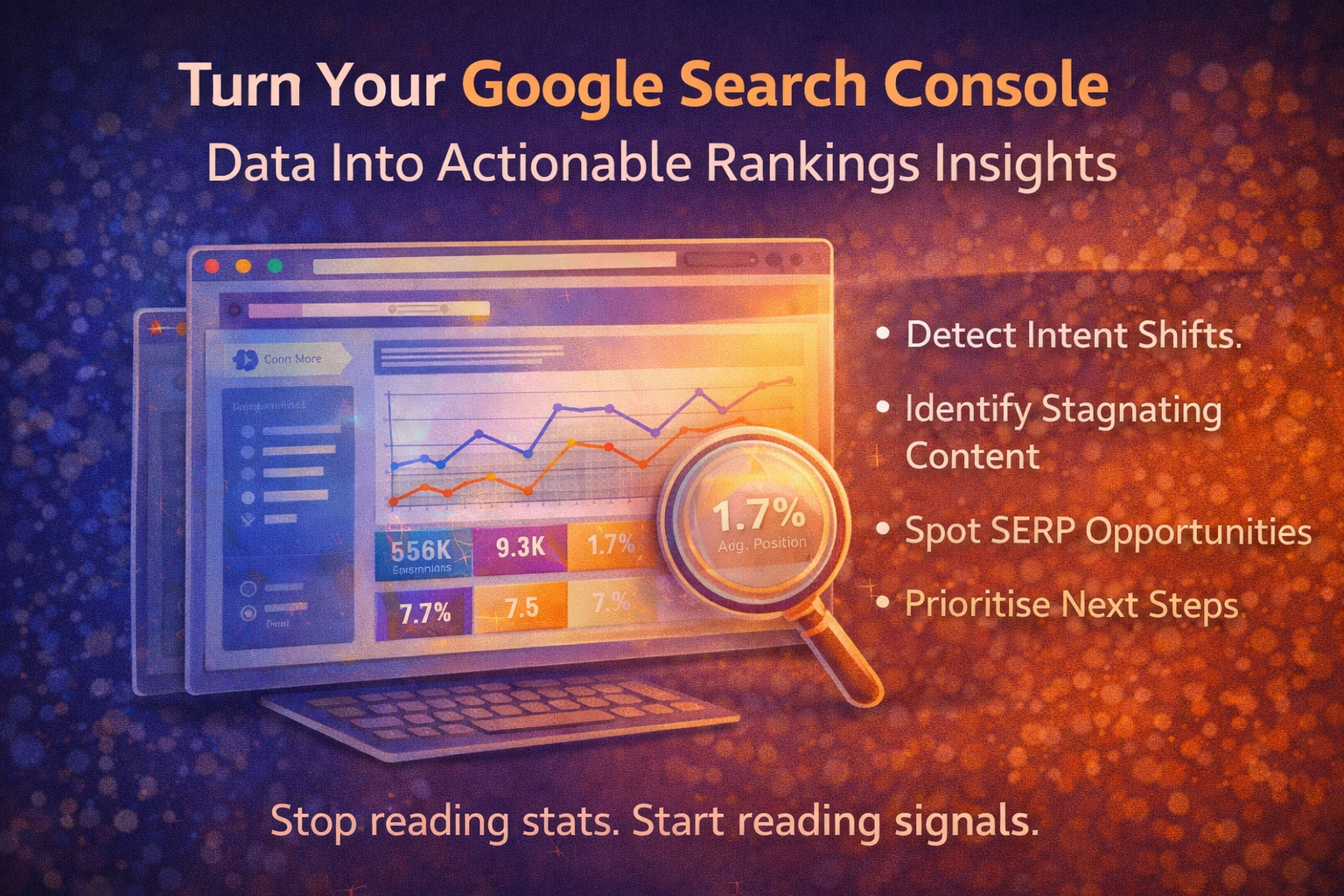
Most website owners open Google Search Console, glance at the graphs, and close it again.
Impressions up.
Clicks fluctuating.
Average position hovering somewhere between 12 and 28.
It feels informative — but not actionable.
The real power of Search Console isn’t in the surface metrics.
It’s in how you interpret patterns.
When you know what to look for, GSC stops being a reporting tool and becomes a strategy engine.
Step 1: Understand What the Core Metrics Actually Mean
Before making decisions, you need clarity on the four primary metrics:
- Impressions – How often your page appeared in search results
- Clicks – How often users clicked your listing
- CTR (Click-Through Rate) – Clicks divided by impressions
- Average Position – Your average ranking across impressions
These numbers are only useful when read together.
Impressions vs Clicks: Visibility vs Appeal
A page with:
- High impressions
- Low clicks
Usually has one of three issues:
- Weak title or meta description
- Poor intent alignment
- Strong competition dominating above you
This is an optimisation opportunity — not a content rewrite.
If impressions are rising but clicks are flat, you’re gaining visibility but failing to convert it.
That’s a headline and positioning issue.
Average Position: Useful — But Misleading Alone
Average position often confuses people.
A position of 18 doesn’t mean “page 2 consistently.”
It means your page appears across multiple queries at different ranks.
Instead of obsessing over the number, segment by:
- Queries ranking 8–15 (low-hanging fruit)
- Queries ranking 16–30 (mid-term improvements)
- Queries ranking 1–5 (optimise for CTR gains)
This helps you prioritise realistically.
Step 2: Detect Intent Shifts Early
Search behaviour changes constantly.
Intent shifts happen when:
- Informational queries become commercial
- SERPs shift from blog posts to tools
- Google introduces new SERP features
- Competitors change format
You can detect this by watching:
- Stable impressions but falling CTR
- Stable rankings but reduced traffic
- Query mix changing over time
If your ranking hasn’t dropped but clicks have, the SERP layout may have changed.
This isn’t a penalty.
It’s a strategic signal.
Step 3: Identify Winning vs Stagnating Content
Not all underperformance means failure.
Split your content into three categories:
1️⃣ Rising Performers
- Increasing impressions
- Increasing clicks
- Improving position
These pages deserve reinforcement:
- Add internal links
- Expand depth
- Improve CTR
- Protect them from cannibalisation
Momentum compounds.
2️⃣ Stagnating Pages
- Impressions flat
- Position stable but low
- No growth despite age
These pages need strategic evaluation:
- Is intent fully satisfied?
- Is the format aligned with top results?
- Is internal linking strong enough?
- Are competitors offering more depth?
This is where analysis beats guesswork.
3️⃣ Declining Pages
- Falling impressions
- Falling clicks
- Stable technical health
This often signals:
- SERP competition change
- Intent shift
- Content becoming outdated
- Cannibalisation from newer posts
Decline is rarely random.
It’s a prompt for reassessment.
Step 4: Spot SERP Features and Hidden Opportunities
Search Console doesn’t explicitly show SERP features — but it hints at them.
If you see:
- High impressions
- Low CTR
- Rankings around position 3–5
Chances are a SERP feature is above you:
- Featured snippets
- FAQs
- People Also Ask
- Video packs
- Local packs
Instead of trying to rank higher traditionally, optimise for the feature.
Add:
- Clear definitions
- Structured answers
- Concise summaries
- FAQ schema
This is how incremental CTR gains become traffic gains.
Step 5: Find Queries You’re “Almost Ranking” For
Filter queries where:
- Position is between 8–20
- Impressions are significant
- CTR is low
These represent your best growth opportunities.
You don’t need new content.
You need:
- Better internal linking
- Slight content expansion
- Clearer structure
- Stronger topical reinforcement
Small adjustments here often produce the biggest ranking lifts.
Step 6: Detect Cannibalisation
If multiple pages:
- Rank for the same query
- Appear at fluctuating positions
- Trade impressions
You likely have cannibalisation.
Search Console helps you see:
- Query → Pages
- Page → Queries
If one query maps to multiple pages inconsistently, you need to:
- Consolidate
- Clarify intent
- Adjust canonicals
- Strengthen internal hierarchy
Consolidation often boosts trust signals.
Step 7: Prioritise What to Fix Next
Instead of random changes, prioritise in this order:
1️⃣ High Impressions + Low CTR
Optimise titles and meta descriptions.
2️⃣ Positions 8–15
Improve structure and intent alignment.
3️⃣ Rising Pages
Reinforce and expand.
4️⃣ Declining Pages
Diagnose intent shifts.
5️⃣ Low-Impression Pages
Deprioritise unless strategically important.
Not all pages deserve equal attention.
Turning Data Into Strategy
The biggest mistake site owners make is reacting emotionally to numbers.
Instead, treat Search Console like a diagnostic dashboard.
Ask:
- What pattern is forming?
- What signal is shifting?
- What is Google testing?
- Where is momentum building?
When paired with a thorough seo audit or website seo checker, Search Console tells you not just what is happening — but where to focus.
Final Thought: Confidence Comes From Clarity
Search Console isn’t just about traffic.
It’s about understanding:
- How Google interprets your content
- How users respond
- Where friction exists
- Where opportunity is forming
When you move from “checking stats” to “reading signals”, you stop guessing.
And once you stop guessing, growth becomes deliberate.
Share this content:



Post Comment