Technical SEO
accessibility seo issues, core web vitals wordpress, fix wordpress seo, free website seo checker, improve website seo, page speed seo, schema conflicts seo, seo audit, seo checker, seo signal conflicts, technical seo issues, too many plugins wordpress, website performance seo, website seo checker, wordpress plugin bloat, wordpress seo issues
SEO Checker
0 Comments
The hidden SEO cost of “just one more plugin”
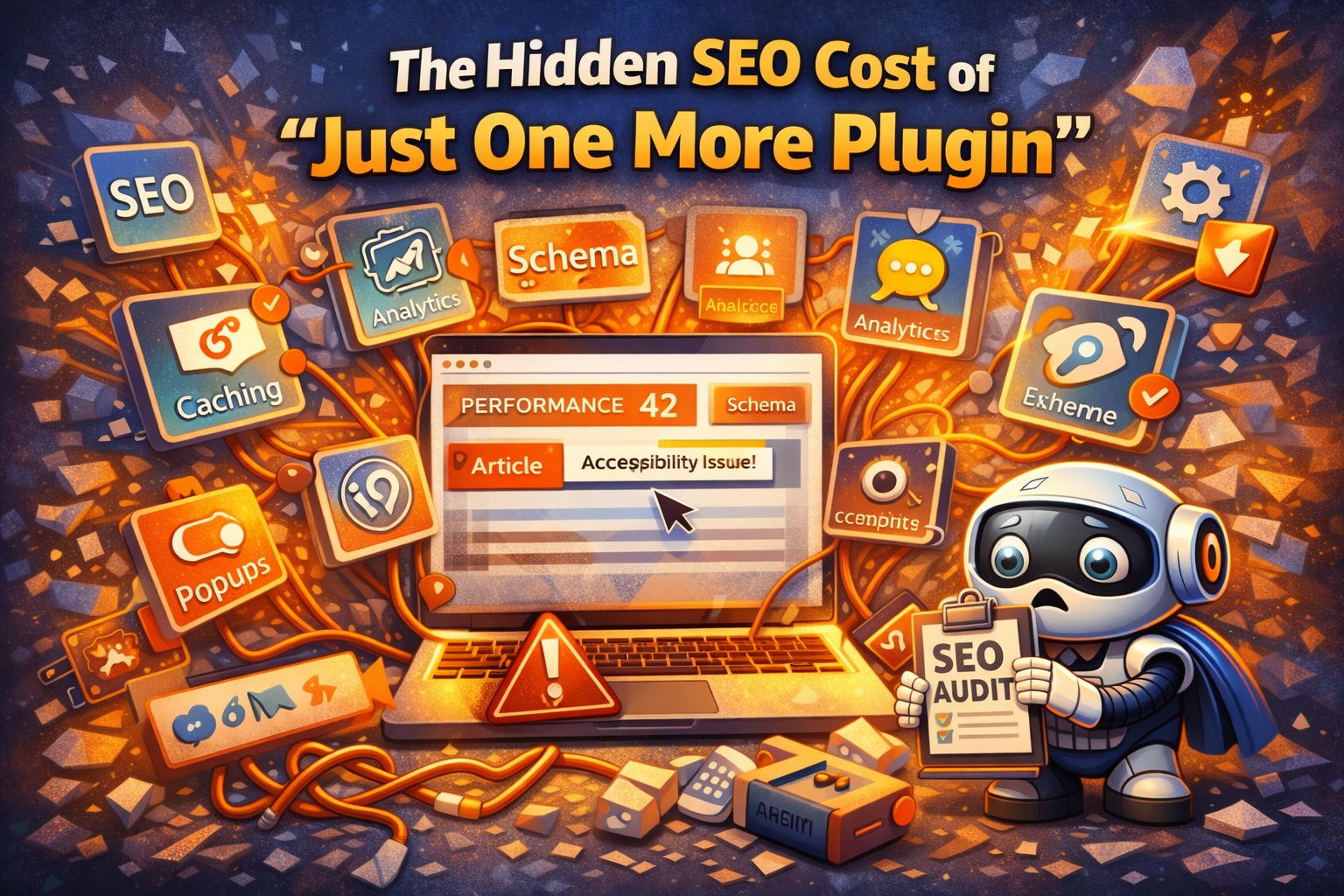
“Just one more plugin” is how most SEO problems start.
One for caching.
One for schema.
One for accessibility.
One for analytics.
One for popups.
One for optimisation.
Individually, none of them feel dangerous. The site still loads. Nothing looks broken. Pages still publish.
But underneath the surface, each plugin quietly adds friction — and over time, that friction turns into lost performance, mixed signals, and diluted page intent.
Especially on WordPress sites.
Plugin bloat doesn’t break sites — it blurs them
The biggest misconception is that plugins break SEO.
They usually don’t.
What they do instead is blur responsibility:
- Who controls schema?
- Who controls meta tags?
- Who controls performance?
- Who controls accessibility?
- Who controls page intent?
When multiple plugins overlap, your site starts saying too many things at once — and search engines struggle to trust any of them.
This is exactly the kind of issue a seo audit flags without the site owner immediately understanding why.
Performance death by a thousand scripts
Every plugin adds something:
- CSS
- JavaScript
- External requests
- Database queries
Individually, they’re small. Collectively, they stack up.
Common outcomes:
- Delayed Largest Contentful Paint
- Layout shifts caused by late-loading assets
- JavaScript blocking interaction
- Mobile performance suffering far more than desktop
Nothing is “wrong” enough to panic — but enough to quietly suppress rankings.
A free website seo checker will often flag performance issues without pointing to a single culprit, because the problem is cumulative.
Accessibility regressions you didn’t mean to introduce
Accessibility plugins are a classic example of good intent causing unintended harm.
Sites often end up with:
- Duplicate ARIA labels
- Conflicting tab indexes
- Overridden semantic HTML
- JavaScript-based fixes masking structural issues
Ironically, adding accessibility plugins can reduce real accessibility if they clash with themes or other tools.
This is why accessibility warnings show up so often in a seo checker, even when “an accessibility plugin is installed”.
Schema conflicts are incredibly common
Schema plugins promise convenience — but convenience often comes with assumptions.
Problems arise when:
- One plugin outputs Article schema
- Another outputs BlogPosting schema
- A third injects FAQ schema site-wide
- Ecommerce schema appears on non-product pages
Search engines don’t merge these gracefully.
They see:
- Conflicting structured data
- Overlapping entity definitions
- Schema that doesn’t match visible content
This weakens trust and is a frequent finding in technical seo audits.
Page intent gets diluted
Perhaps the most damaging effect of plugin bloat is how it erodes page intent.
Over time, plugins add:
- Auto-inserted CTAs
- Dynamic widgets
- Related content blocks
- Popups
- Sticky banners
Each element makes sense in isolation.
Together, they change what the page feels like it’s about.
A page that started as:
“A clear guide answering one question”
Becomes:
“A guide, a lead generator, a product page, a newsletter signup, and a widget host”
Search engines respond to clarity.
Plugin-heavy pages often lose it.
WordPress makes this easy to fall into
WordPress isn’t the problem — but it makes plugin sprawl incredibly easy.
Because:
- Plugins feel reversible
- Each solves a narrow problem
- There’s rarely immediate breakage
- Responsibility is fragmented
SEO issues creep in slowly and silently.
By the time rankings drop, the cause isn’t obvious.
Why SEO tools flag “so many issues” on plugin-heavy sites
When someone runs a seo audit and sees dozens of warnings, the instinct is panic.
In reality, tools are often detecting:
- Overlapping responsibilities
- Conflicting signals
- Redundant outputs
- Bloated execution paths
They’re not saying:
“Your site is bad.”
They’re saying:
“Your site is trying to do too many things at once.”
Fewer plugins, stronger signals
The goal isn’t zero plugins.
It’s clear ownership.
Ideally:
- One system controls schema
- One system controls meta tags
- Performance is handled deliberately
- Accessibility is structural, not patched
- Page intent stays focused
This is why SEO improvements sometimes come not from adding tools — but from removing them.
“Just one more plugin” rarely feels like a risk.
But over time, it becomes one of the most expensive SEO habits a site can develop.
A solid seo checker or free website seo checker won’t just tell you what is wrong — it helps reveal when your site has become bloated, conflicted, and unclear.
And clarity, more than anything else, is what search engines reward.
Share this content:



Post Comment