No CSS Files Detected: Inline Styles, SEO Impact, and Best Practice Fixes
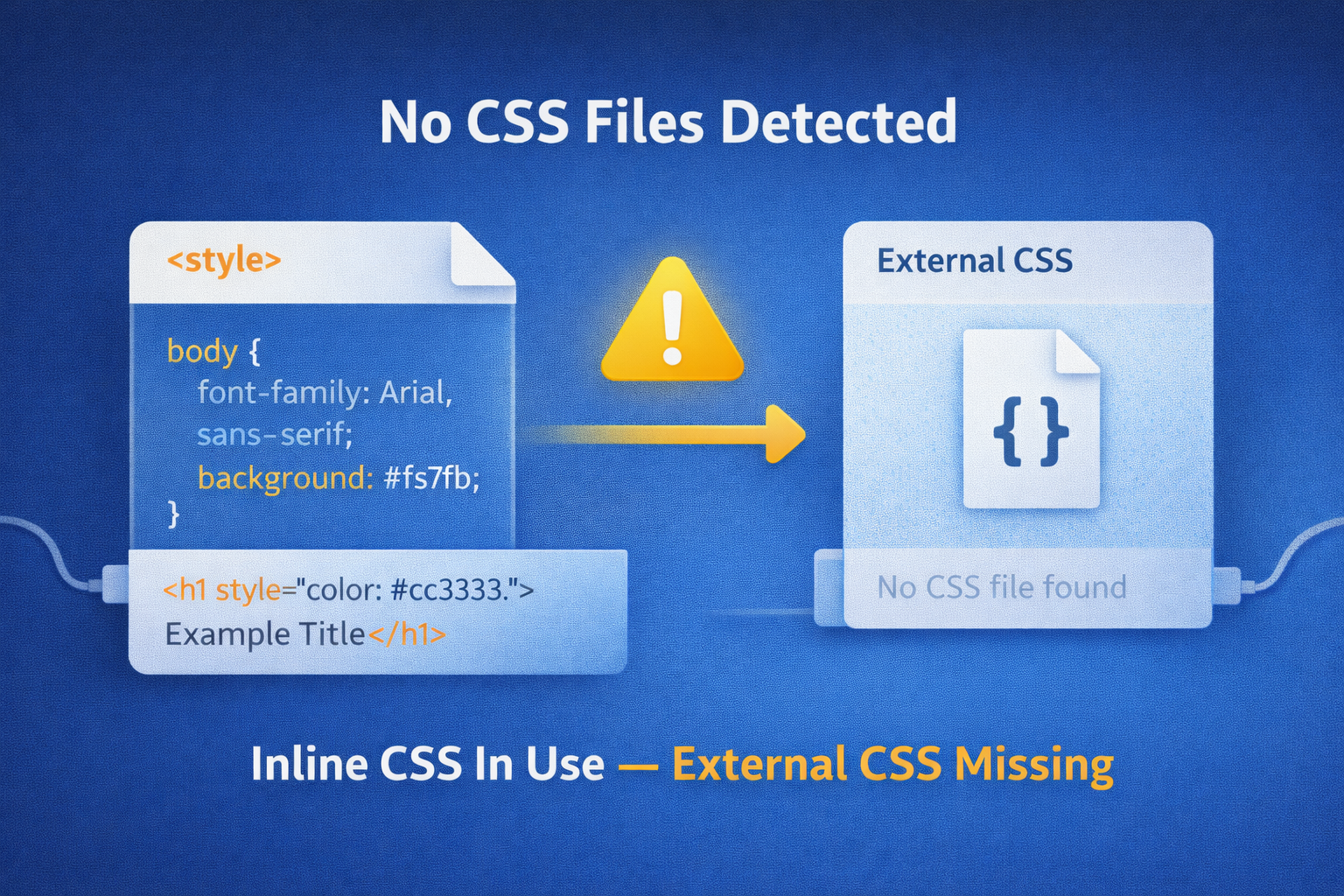
When an SEO scan reports “No CSS files detected”, it usually doesn’t mean your site has no styling.
In most cases, the CSS is being included directly inside the page rather than loaded from an external stylesheet.
This article explains what that means, when it’s acceptable, when it becomes a problem, and how to fix it properly.
What does “no CSS files detected” actually mean?
Your site is visually styled, but the scan cannot find any linked CSS files such as:
<link rel="stylesheet" href="/styles.css">
Instead, styling is likely coming from:
<style>blocks inside the HTML- Inline
style=""attributes on elements - CSS injected dynamically by JavaScript
- CMS-generated inline styles
From a browser’s perspective, this still works.
From an SEO, performance, and maintainability perspective, it can be a problem.
Why websites use inline CSS
Inline CSS isn’t always a mistake. Common reasons include:
- Small or single-page sites
- Landing pages built for speed
- Prototypes or MVPs
- Email-style templates
- CMS themes optimising “above the fold” styles
- JavaScript frameworks injecting styles at runtime
So this audit result is context-dependent — not automatically a failure.
The SEO and performance implications
1. Reduced caching benefits
External CSS files can be cached by browsers.
Inline CSS:
- Is downloaded again on every page load
- Cannot be cached independently
- Increases page weight for repeat visitors
This negatively impacts performance over time.
2. Harder long-term maintenance
When styles live inside pages:
- Reuse becomes difficult
- Updates require editing multiple files
- Consistency becomes harder to enforce
- Technical debt grows quickly
For growing sites, this becomes a serious issue.
3. Limited performance optimisation
External CSS allows:
- Minification
- Compression
- HTTP caching
- CDN delivery
- Splitting critical and non-critical styles
Inline-only CSS removes most of these advantages.
4. Accessibility and consistency risks
Over-use of inline styles often leads to:
- Inconsistent font sizes
- Poor contrast
- Missed focus states
- Accessibility regressions
Centralised CSS makes these issues easier to control.
Is inline CSS ever acceptable?
Yes — in the right context.
Inline CSS can be acceptable when:
- The site is extremely small
- The page is a one-off landing page
- Styles are limited to critical above-the-fold content
- Performance has been intentionally tested and validated
However, for multi-page websites, inline-only CSS is rarely the best solution.
Best practice: combine inline and external CSS
The recommended approach for modern websites is a hybrid model:
✅ External CSS for most styling
- Layout
- Typography
- Colours
- Components
- Global rules
✅ Minimal inline CSS for critical rendering
- Above-the-fold layout
- Font loading fallbacks
- Initial page structure
This balances performance with maintainability.
Example: inline CSS (detected by scans)
<style>
  body {
    font-family: Arial, sans-serif;
    background: #f5f7fb;
  }
</style>
This works — but scales poorly.
Example: external CSS (recommended)
<link rel="stylesheet" href="/assets/css/main.css">
Combined with optional critical inline styles, this is ideal.
How this issue should be reported in an SEO audit
A good audit should explain:
- ℹ️ No external CSS files detected
- ℹ️ Styling appears to be inline or injected
- ⚠️ Potential performance and caching limitations
- ✅ Recommendation: move core styles to external stylesheets
This is typically a performance and maintainability warning, not a critical error.
When “no CSS files detected” is a real problem
It becomes serious when:
- The site has many pages
- Styling is duplicated everywhere
- Page size is unnecessarily large
- Performance scores are poor
- Development velocity is slowing
At that point, external CSS is no longer optional.
What to do if your site uses inline CSS
- Audit where styles are defined
- Extract shared rules into a stylesheet
- Keep only truly critical CSS inline
- Load external CSS efficiently
- Retest performance and SEO metrics
This usually results in cleaner code and faster pages.
Final thought
Inline CSS is not “wrong” — but over-using it is a scalability trap.
If your scan reports no CSS files detected, it’s a signal to review how styles are managed, not panic. For most websites, moving core styling into external stylesheets leads to better performance, cleaner code, and fewer problems as the site grows.
Share this content:




Post Comment