Why Every Website Needs a Sitemap (And How to Create One for SEO Success)
What Is a Sitemap?
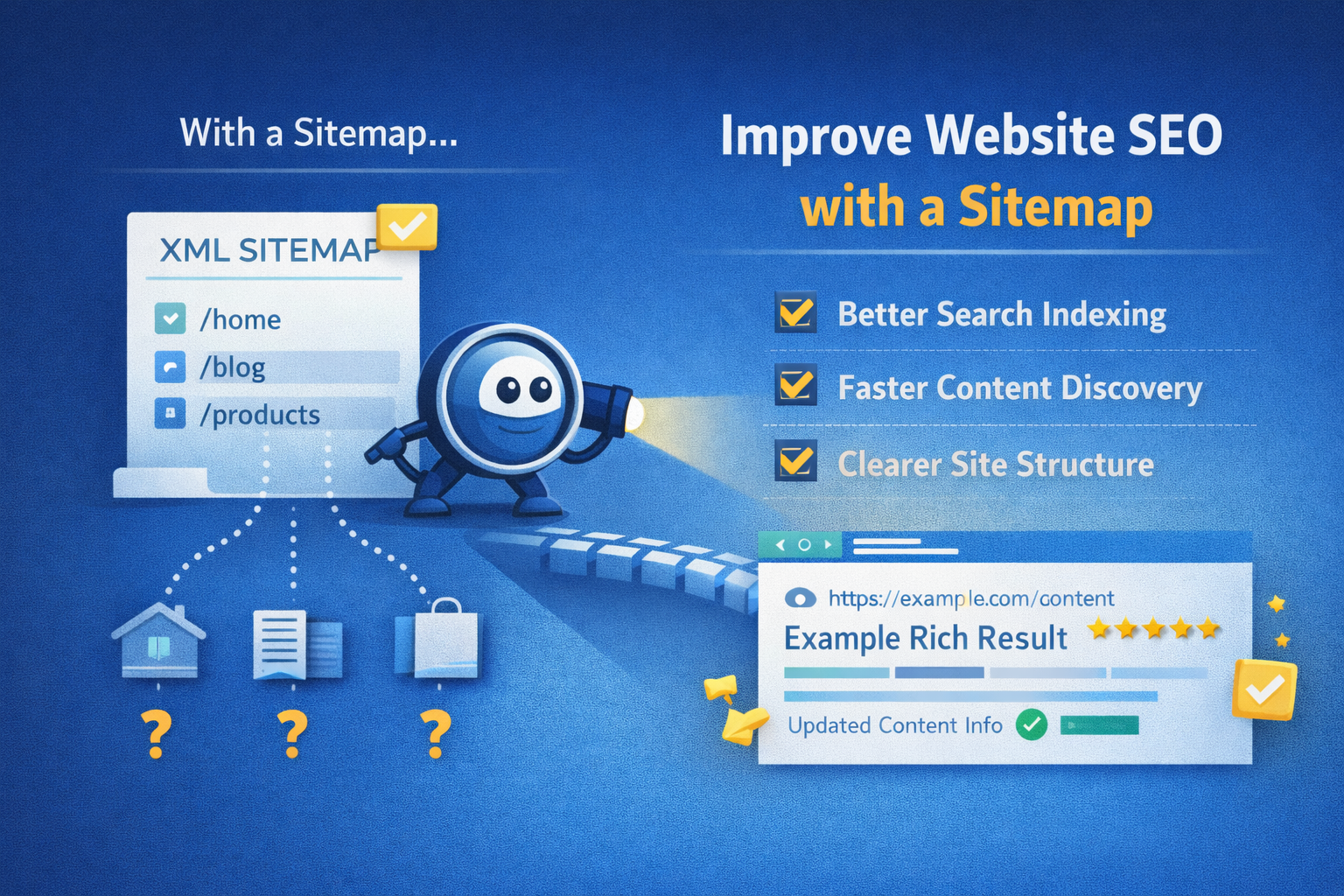
A sitemap is a file that lists all the important URLs on your website, helping search engines like Google discover and understand your content structure. Think of it as a roadmap for crawlers — it tells them what pages exist, which ones are most important, and how frequently content changes.
There are two main types of sitemaps:
XML Sitemaps – Designed for search engines, using structured XML to list URLs and metadata.
HTML Sitemaps – Designed for human users, often in simple linked lists on a page.
Both serve valuable but slightly different roles in making your site easier to navigate and index.
Why Sitemaps Matter for SEO
1. Improved Indexing
Search engines use sitemaps to find and index pages more efficiently, especially on large, complex or newly launched sites. If a page isn’t linked well internally, a sitemap ensures crawlers still discover it.
2. Better Crawl Awareness
By including metadata like last modification date, priority or update frequency, sitemaps give crawlers hints about what’s changed and how often they should revisit pages.
3. Faster Discovery of New Content
Whenever you publish new content or update existing pages, an updated sitemap increases the chances that crawlers will find the changes quickly — which helps search engines index your content faster.
4. Handles Special Cases
Sitemaps are especially helpful for sites with:
- Lots of pages
- Deep page hierarchies
- Pages not well linked internally
- Dynamic content (e.g., ecommerce products, user-generated content)
5. Signals Importance
In an XML sitemap, you can assign a simple “priority” value. While search engines don’t obey this blindly, it still provides a useful hint about relative importance.
XML Sitemaps – A Closer Look
An XML sitemap uses specific tags to structure information. Here’s a basic example:
<?xml version="1.0" encoding="UTF-8"?>
<urlset xmlns="http://www.sitemaps.org/schemas/sitemap/0.9">
  <url>
    <loc>https://example.com/</loc>
    <lastmod>2025-12-15</lastmod>
    <changefreq>weekly</changefreq>
    <priority>1.0</priority>
  </url>
  <url>
    <loc>https://example.com/blog/your-post</loc>
    <lastmod>2025-12-29</lastmod>
    <changefreq>monthly</changefreq>
    <priority>0.8</priority>
  </url>
</urlset>
Key elements explained:
<loc>– The URL of the page<lastmod>– When the page was last updated<changefreq>– How often the page is likely to change (e.g., daily, weekly)<priority>– A value from 0.0–1.0 hinting at relative importance
Most websites use sitemap generators to automatically create these files.
HTML Sitemaps – For People
An HTML sitemap is simply a linked page that lists key sections and pages of your website. It serves two purposes:
- Improves user navigation, especially on large sites
- Helps search engines find pages via internal linking
Example snippet:
<h1>Site Map</h1>
<ul>
  <li><a href="/">Home</a></li>
  <li><a href="/about">About Us</a></li>
  <li><a href="/services">Services</a></li>
  <li><a href="/blog">Blog</a></li>
  <li><a href="/contact">Contact</a></li>
</ul>
This is useful for accessibility and UX, especially if users struggle to find specific pages.
Submitting Your Sitemap
Once your sitemap is ready, submit it via:
- Google Search Console: Go to Sitemaps → Add a new sitemap, enter the sitemap URL (e.g.,
sitemap.xml), and submit. - Bing Webmaster Tools: Similarly allows uploading and monitoring of sitemaps.
After submission, you can monitor crawl status, errors, and discoverability — helping you keep your site healthy.
Best Practices for Sitemaps
- Always use UTF-8 encoding to avoid character issues.
- Keep your sitemap under 50MB or 50,000 URLs — if larger, split into multiple files.
- Only include canonical URLs — don’t list duplicates.
- Update the sitemap whenever content changes.
- Ensure your sitemap is referenced in
robots.txt:
Sitemap: https://example.com/sitemap.xml
Summary
A sitemap may look simple, but it’s one of the most powerful tools for helping search engines crawl and index your website efficiently. Whether you run a small blog or a large ecommerce store, having a clear sitemap:
- Improves discovery of important pages
- Supports fast indexing of new content
- Enhances internal linking
- Provides metadata that aids crawl planning
It’s easy to create, easy to maintain, and essential for healthy SEO.
Share this content:




Post Comment